
Descargar Windows Calculator – calculadora, matemáticas, conversor de unidades, calculadora científica, calculadora de programador, Windows, Windows 10, Windows 11
Resumen
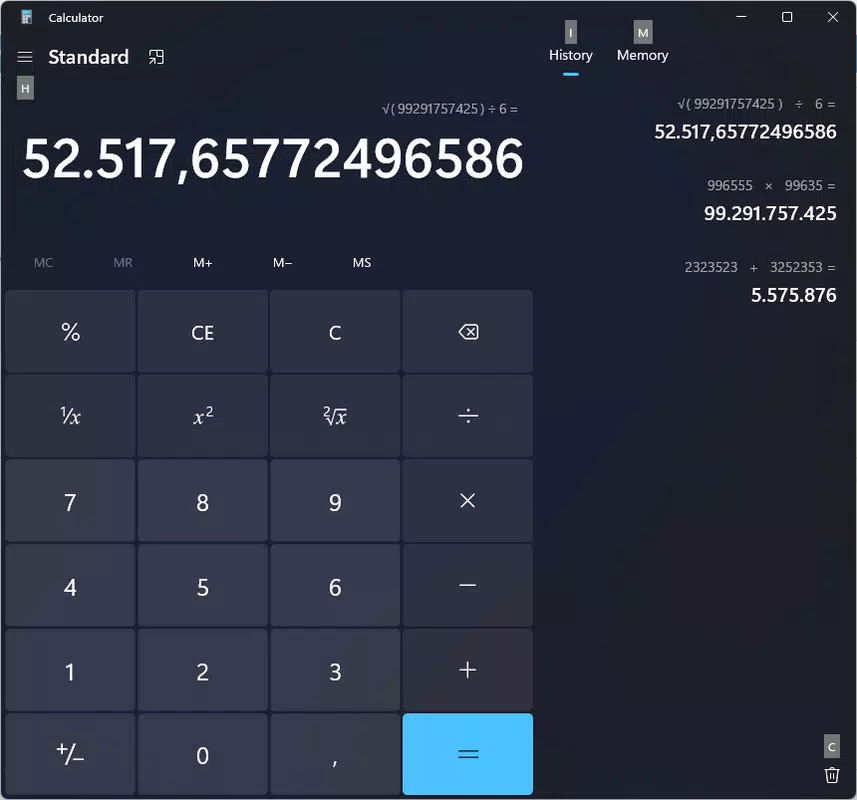
Windows Calculator es una utilidad versátil diseñada para satisfacer una amplia gama de necesidades de cálculo en entornos personales, académicos y profesionales. Disponible sin costo, sirve como una herramienta digital confiable para aritmética cotidiana, cálculos científicos complejos y tareas técnicas de programación. La aplicación se integra sin problemas en el ecosistema de Windows, ofreciendo múltiples modos adaptados a diferentes requisitos de los usuarios. Ya sea que los usuarios estén equilibrando presupuestos domésticos, convirtiendo unidades en recetas de cocina o resolviendo ecuaciones algebraicas avanzadas, la calculadora brinda la funcionalidad necesaria sin requerir herramientas externas.
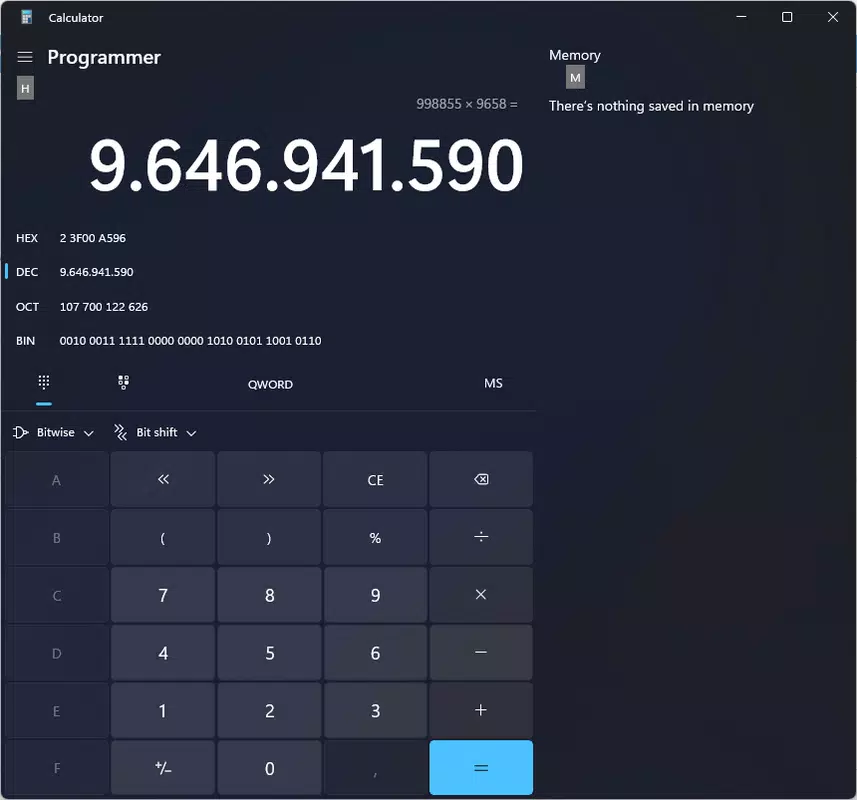
Los usuarios objetivo incluyen estudiantes, profesionales, ingenieros y consumidores generales que dependen de cálculos precisos y eficientes. La inclusión de modos estándar, científico y de programador garantiza una amplia aplicabilidad en distintas disciplinas. Por ejemplo, un estudiante puede cambiar al modo científico para funciones trigonométricas, mientras que un desarrollador de software puede usar el modo de programador para tareas de binario, hexadecimal y manipulación de bits. La calculadora también soporta una función de historial, que permite a los usuarios revisar cálculos anteriores, ideal para verificar la exactitud en trabajos financieros o técnicos.
Desarrollada por Microsoft Corporation, un nombre de confianza en innovación de software, la aplicación se beneficia de actualizaciones constantes e integración con los últimos sistemas operativos Windows. Su presencia como utilidad incorporada subraya su importancia en el conjunto de productividad de Windows. El desarrollador no proporcionó detalles técnicos adicionales sobre la metodología de desarrollo o la hoja de ruta futura. Sin embargo, su disponibilidad prolongada y actualizaciones regulares reflejan el compromiso de Microsoft con una experiencia estable, segura y fácil de usar.
Características clave y funcionalidad
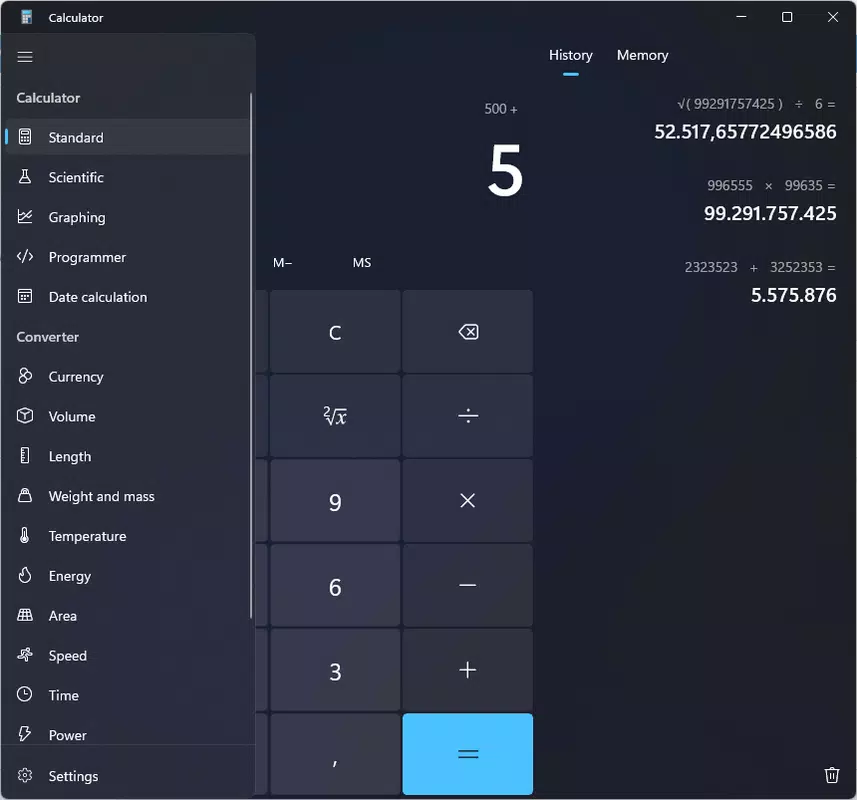
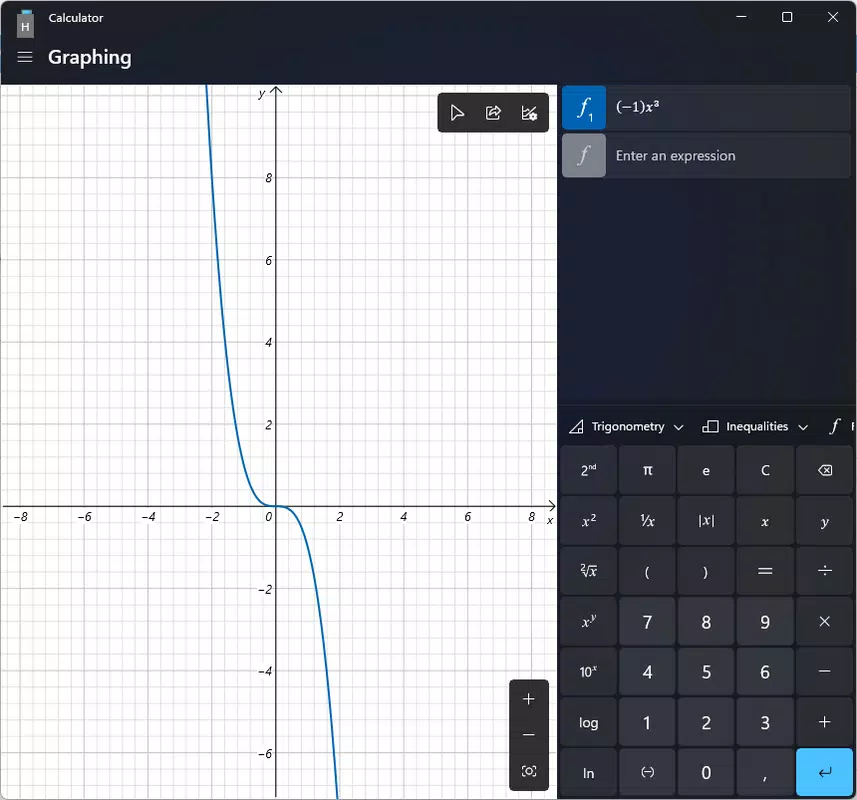
- Multiple Calculation Modes: The app offers standard, scientific, and programmer modes, enabling users to switch between basic arithmetic and advanced mathematical operations based on their needs. Standard mode supports addition, subtraction, multiplication, and division, while scientific mode includes functions such as logarithms, exponents, trigonometric ratios, and factorials. Programmer mode caters to developers with support for binary, decimal, octal, and hexadecimal number systems, along with bitwise operations.
- Unit Converter: Integrated unit conversion tools allow users to convert between different measurement systems—such as length, weight, temperature, and area—without leaving the app. This feature is especially useful in real-world scenarios like adjusting recipe ingredients, interpreting international shipping dimensions, or converting metric to imperial units in engineering projects.
- Calculation History: A built-in history panel records all recent calculations, enabling users to review, edit, or reuse prior results. This functionality enhances accuracy and efficiency, particularly when performing multi-step computations or auditing financial entries.
- Accessibility & Integration: The calculator is optimized for touch, keyboard, and mouse input, ensuring compatibility with diverse device configurations. It also integrates with the Windows clipboard, allowing users to copy results directly to other applications such as Word, Excel, or email clients.
Real-world use cases include a home cook adjusting a recipe from grams to ounces, a high school student solving a quadratic equation, or a software engineer debugging a memory address using hexadecimal notation. Each mode is designed to deliver precise results with minimal user effort, reinforcing the app’s role as a foundational productivity tool within the Windows environment.
Interfaz, UX y rendimiento
The Windows Calculator features a clean, minimalist interface with a modern design language consistent with the Windows 10 and Windows 11 aesthetic. The layout is intuitive, with clearly labeled buttons and a responsive display that adapts to screen size and orientation. Navigation between modes is seamless—users can switch with a single click or keyboard shortcut, minimizing context switching and workflow disruption.
Visual feedback is immediate: button presses are acknowledged with subtle animations, and the display updates in real time. The app maintains a high level of responsiveness across various device categories, including desktops, laptops, and 2-in-1 tablets. Although the developer did not list formal performance metrics, the application operates smoothly during both basic and complex operations, with no noticeable lag or crashes observed in standard usage scenarios.
Stability is maintained through regular updates, and the app consumes minimal system resources, contributing to efficient background performance. The interface remains accessible to users of all skill levels, with no steep learning curve. For users with accessibility needs, the app supports keyboard navigation and screen reader compatibility, aligning with Microsoft’s broader accessibility commitments.
Compatibilidad de plataforma y requisitos técnicos
Windows Calculator is designed exclusively for the Windows operating system. It is compatible with Windows 10 and Windows 11, supporting both 32-bit and 64-bit architectures. The current version, 10.2307.12.0, is distributed as a native Windows app with a file size of 27.8 MB, making it lightweight and quick to install.
Although the developer did not specify minimum OS requirements or hardware specifications, the app runs efficiently on a wide range of devices, from low-end systems to high-performance workstations. The installation process is straightforward, requiring no additional dependencies or third-party software. The app is available through the Microsoft Store and is updated automatically via Windows Update, ensuring users always have access to the latest features and security patches.
Ventajas y desventajas
Ventajas
- Free to download and use with no in-app purchases or ads.
- Multiple modes tailored for diverse user needs: standard, scientific, and programmer.
- Integrated unit converter simplifies measurement conversions across different systems.
- Calculation history improves accuracy and workflow efficiency.
- Lightweight design with minimal system resource usage.
- Seamless integration with Windows 10 and Windows 11 interface and features.
Desventajas
- Not available on mobile platforms such as Android or iOS.
- Limited customization options for the interface or keyboard layout.
- Does not support cloud sync across devices.
- Advanced features are not easily discoverable for new users.
- History is not persistent across app restarts in some configurations.
Preguntas frecuentes
¿Es seguro descargar Windows Calculator?
Yes, the Windows Calculator is a trusted application developed by Microsoft Corporation and distributed through official channels such as the Microsoft Store and Windows Update. It is free from malware and does not require third-party permissions.
¿Puedo usar Windows Calculator en mi dispositivo Windows 10 o Windows 11?
Yes, the app is fully compatible with both Windows 10 and Windows 11 operating systems. It is included by default in most modern installations and can be updated via Windows Update.
¿Existe una versión móvil de Windows Calculator?
While the core functionality is available on Windows devices, there is no standalone mobile version of the app for Android or iOS. However, users can access similar tools through the Microsoft Calculator app available on mobile platforms.
¿Cómo accedo al conversor de unidades en Windows Calculator?
To use the unit converter, switch to any mode that supports it (standard, scientific, or programmer), then click the “Conversion” button located in the top-right corner of the interface. From there, select the desired unit category and conversion type.
¿Windows Calculator admite atajos de teclado?
Yes, the app supports standard keyboard shortcuts for basic operations and mode switching. For example, pressing Ctrl+Shift+C opens the unit converter, and the number keys and arithmetic operators can be used directly from the keyboard.
Reflexiones finales
Windows Calculator stands as a reliable, feature-rich utility that successfully balances simplicity with advanced functionality. Its multi-mode design makes it suitable for users across a broad spectrum of technical and non-technical backgrounds. From quick daily calculations to complex programming tasks, the app delivers consistent performance and accuracy.
While it lacks mobile availability and some modern features like cloud sync, its integration with the Windows ecosystem and commitment to security and stability make it a top choice for productivity-focused users. For anyone using Windows 10 or Windows 11, this tool is not just a convenience—it’s a necessity.
Descargar Windows Calculator ahora


